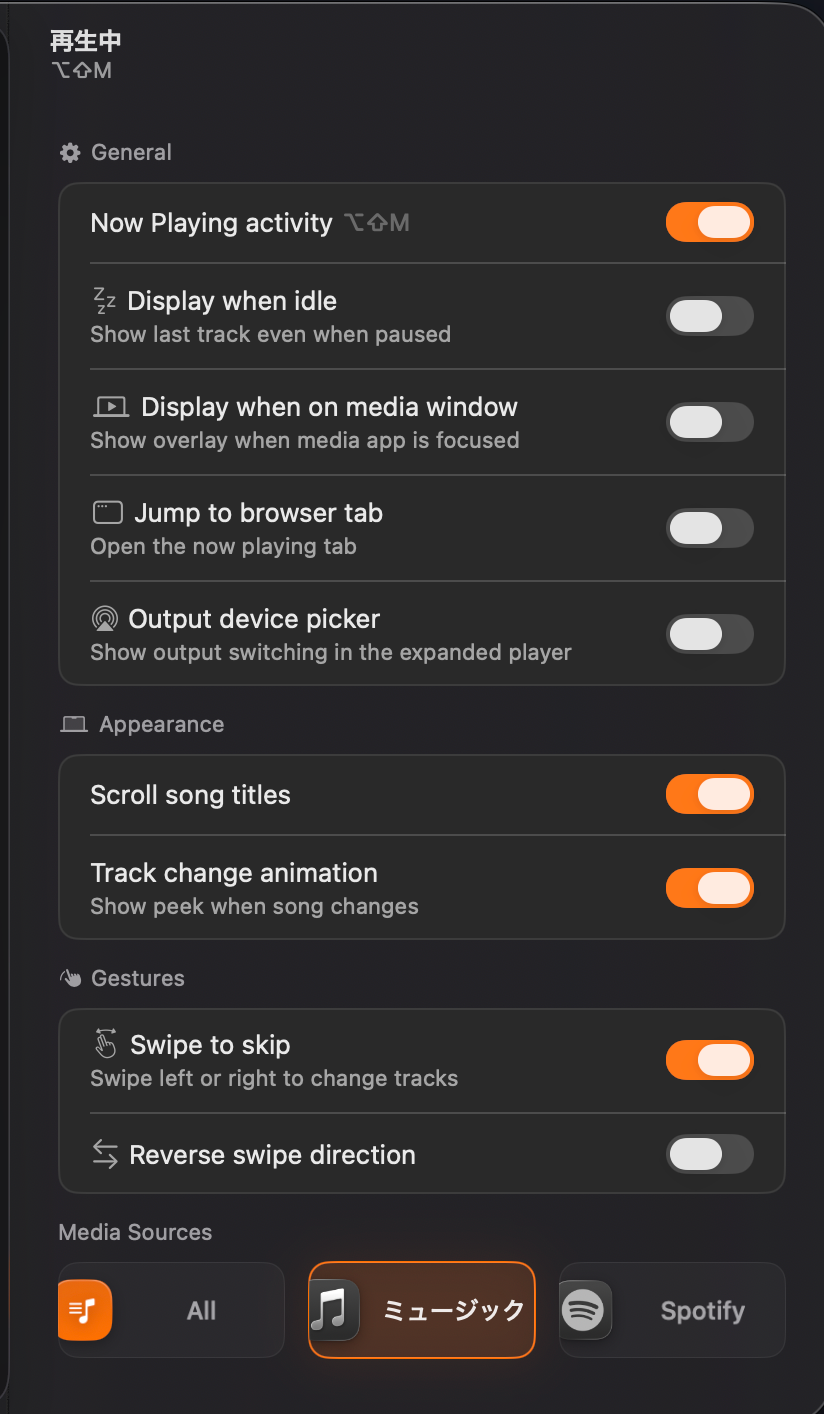
Now Playing Activity Bug / Still showing that the media is playing even when it is idle (Audiowave)
To recreate this bug:
Pick Apple Music as a source
Play Music
Open YouTube and play a random video while playing
Pause Apple Music
Pause YouTube Video
Unpause the YouTube video
It will still show that Apple Music is still active even though it is paused (the audio wave) even when the setting for “Display when idle is disabled”
Log in to comment and vote
Comments1
Ramzi
Jul 18
Hi! This is coming in the next update (1.9.4).
Under Settings → Voice → Microphone you can now build a ranked list of preferred microphones Seam records from your top-ranked connected mic without changing your system's default input device (same as Wispr Flow).
If your dictation mic disconnects mid-recording, it automatically falls back to the next one in your list.